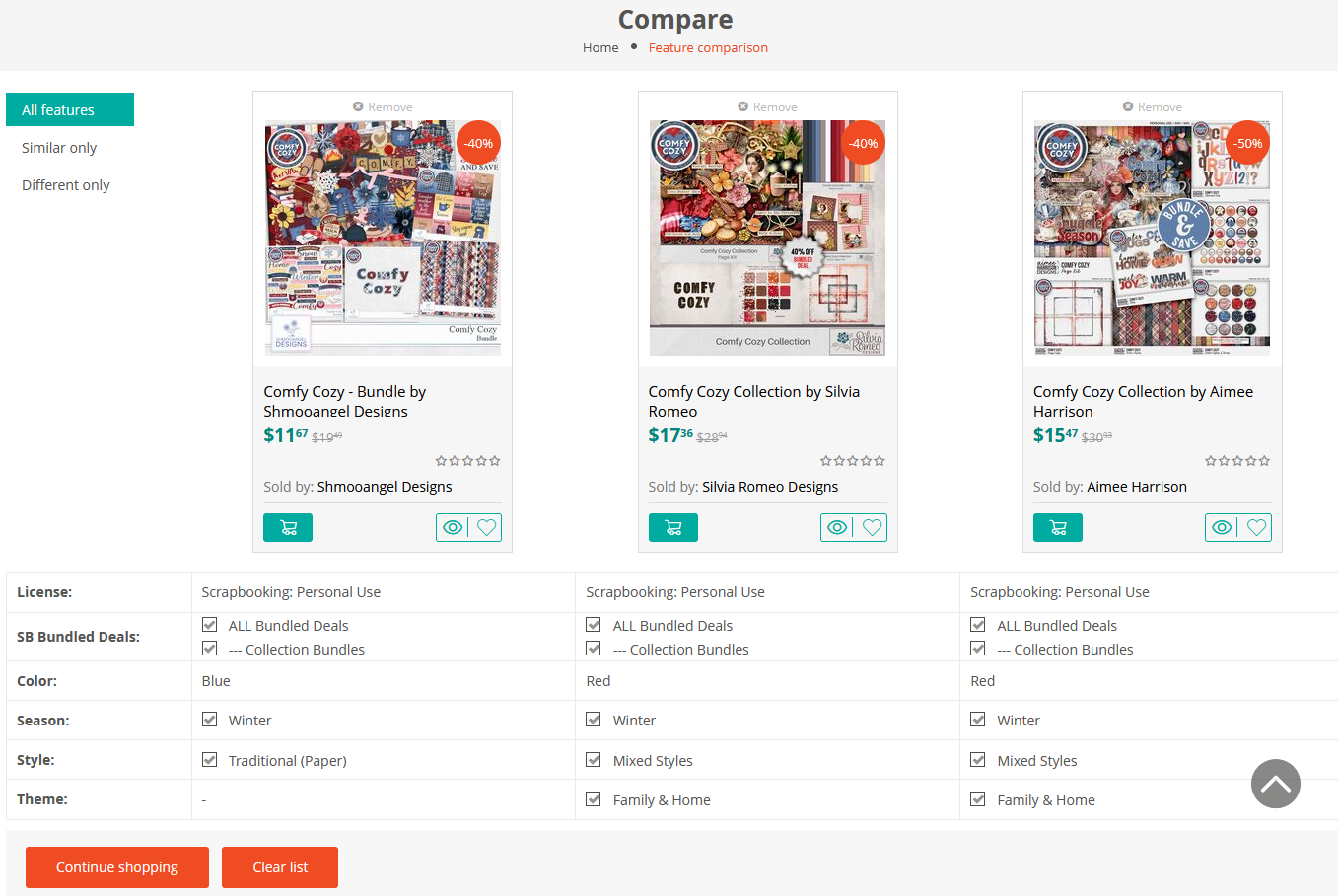
Can’t decide between two similar paper packs? Our shop has a built-in "Compare" feature that lets you see products side-by-side.
How to use it:
On a product page (or in the category view), look for the Compare Icon (two intertwined arrows).
While browsing a category: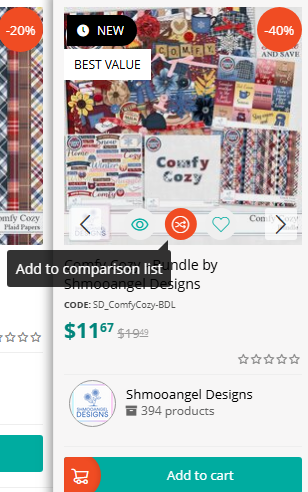
On the product page: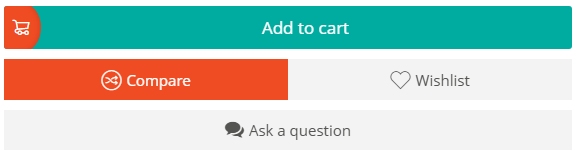
Click it to add the item to your comparison list.
Do this for up to 4 items you want to review.
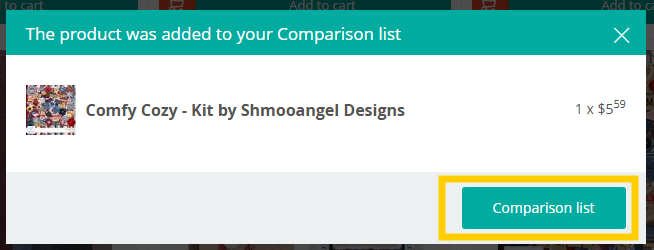
Click the Comparison list button that appears (or find "Comparison list" in the top menu).
In the top Account Menu: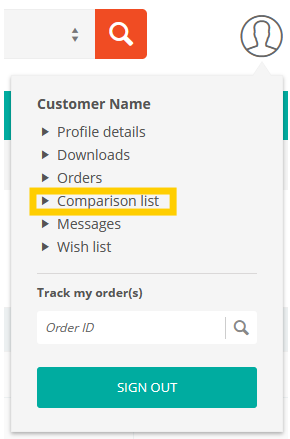
You will see the selected products lined up next to each other, making it easier to compare styles, colors, and contents before you choose.
Was this article helpful?
That’s Great!
Thank you for your feedback
Sorry! We couldn't be helpful
Thank you for your feedback
Feedback sent
We appreciate your effort and will try to fix the article