You can access your purchase history and download links at any time.
Log in to your account at Digital Artistry.
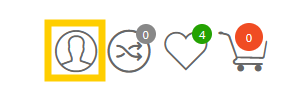
Go to My Account (click the profile icon at the top right of the screen).
Select Orders (or "My Orders").
Click on the specific Order ID number to view the details and download buttons for that purchase.
Missing an order?
Ensure you are logged into the correct email address.
Check if the order was placed as a "Guest" (Guest orders may not appear in your main account history).
Reminder: If a product has been retired for more than 90 days, the download link will no longer be active.
Was this article helpful?
That’s Great!
Thank you for your feedback
Sorry! We couldn't be helpful
Thank you for your feedback
Feedback sent
We appreciate your effort and will try to fix the article